A direct-booking page should help a guest choose a stay and continue to an available rate without losing context. Start with the room, the conditions and the booking journey; then build the brand story around those decisions.
Match the page to the guest’s starting point
A hotel homepage, a seasonal offer page and a booking-engine results page serve different moments. Someone discovering a property needs reasons to consider it. Someone who has already chosen dates needs availability and the conditions of the stay. Sending both visitors to the same general introduction can force the second guest to repeat work.
Before designing a campaign page, write down the referring message, the intended guest and the next decision. For an Athens city-break offer, that might mean explaining the location, the room category and what breakfast includes before inviting a date search. For an island escape, arrival arrangements and the operating season may need equal prominence. These are planning examples, not claims about a particular property.
Google Hotel Ads and free booking links need special attention: they can refer a visitor who has already selected a specific itinerary. Google’s Referral Experience Policy requires continuity of room type, dates and occupancy through that journey. A generic campaign page is not automatically a suitable destination for these links.
Put the booking decision in the first screen
Use the opening to establish the property, destination and specific offer. Place a clearly labelled availability action beside that information. “Check availability” accurately describes a date search; “Book now” should lead towards a bookable room. Do not make a visitor watch an entire film or dismiss several overlays before reaching either.
If dates and guest numbers have already been selected, carry them into the booking engine using its supported integration. If the page is only an introduction and has no live inventory, make that clear. A static “from” price needs enough context to explain when it applies and what it covers; it should not masquerade as an available quote for the visitor’s stay.
Show the room a guest can actually reserve
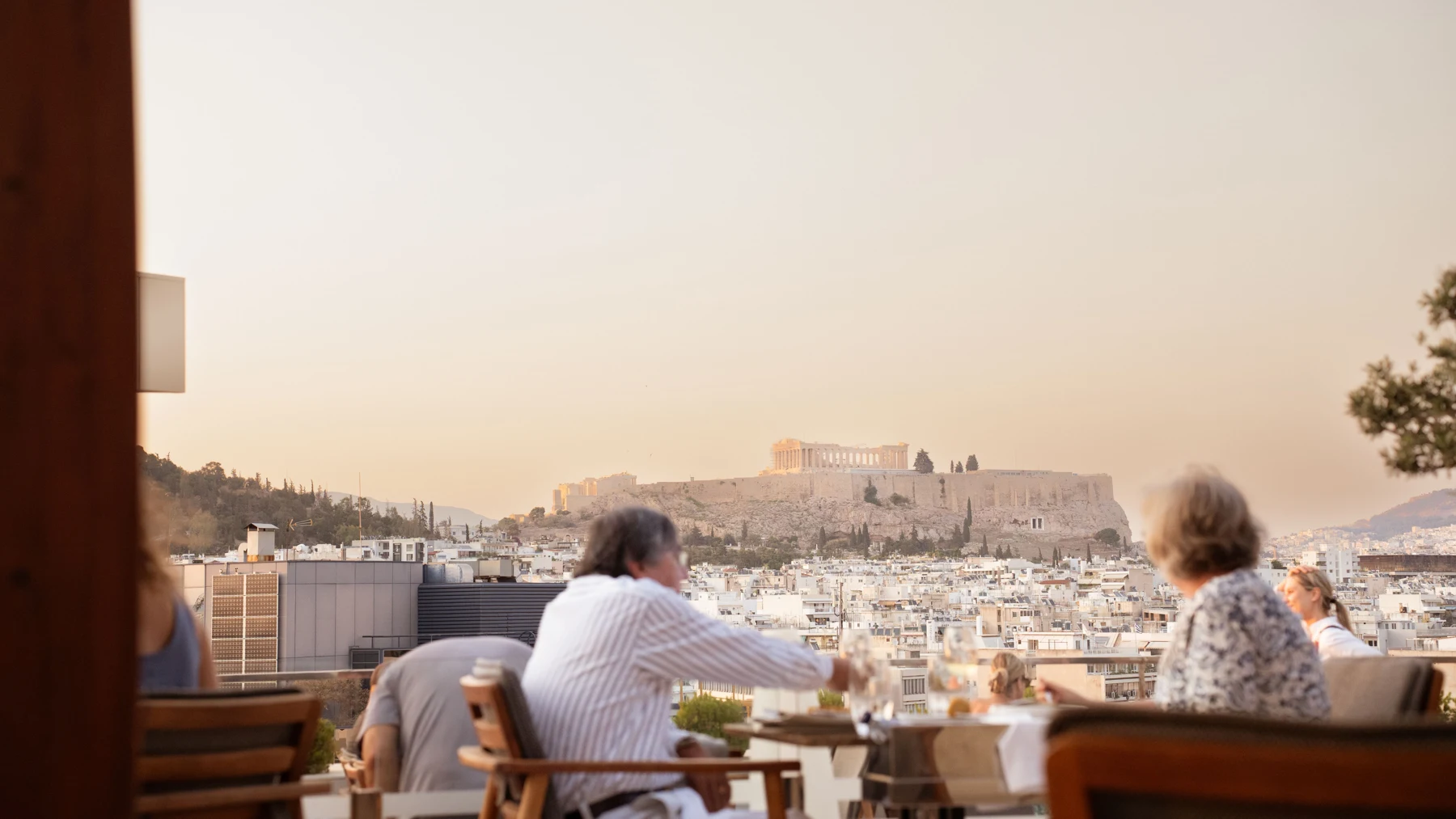
A beautiful terrace photograph can establish the setting, but it does not answer questions about the room. Pair the property story with a useful view of each promoted category: sleeping area, bathroom, layout and any outdoor space included with that room. Label shared facilities and category-specific features so the guest does not have to infer what is private.
Create a small content sheet for every featured room. Include its name, occupancy, bed arrangement, relevant size information, view and important access details, verified by the hotel team. If two categories differ mainly by view or balcony, show that difference directly. Avoid mixing images from several categories under a single room name.
Plan photography and film around these questions. A short atmosphere film and a factual room gallery can work together. Keep the availability controls and essential room information usable while media loads, and provide a still image when video cannot play.
Make the rate and its conditions understandable
Give guests a clear distinction between the cost of a night and the total cost of the selected stay. Explain breakfast, payment timing, cancellation conditions and any restrictions beside the relevant rate. If an offer depends on a minimum stay or a particular room category, disclose that where the offer is introduced.
For rates distributed through Google, its Price Accuracy Policy requires the booking price to match the selected itinerary and the price shown on Google. Its Taxes and Fees Policy includes mandatory charges even when the hotel collects them during the stay. Treat this as a booking-system and content coordination task: check the feed, the landing page and the final summary together.
For a Greek property, ask the responsible hotel team to verify the applicable charges and how they appear in the booking engine. Do not copy last season’s amounts into a permanent banner. Explain any charge collected on arrival before the guest commits, and keep optional extras clearly separate.
Answer the practical questions that change a stay
Choose details that affect the intended guest’s decision rather than listing every possible amenity. A late-arriving city-break guest may need check-in arrangements and transfer options. A family may need exact room occupancy and pool arrangements. An island guest may need to understand the journey from the port and whether a car is useful.
Use precise descriptions. Explain whether a beach is on the property, reached on foot or accessed by transport. State when seasonal facilities operate. Describe access arrangements factually instead of making an unsupported blanket accessibility claim. Have operations review these details before publication.
Check consistency outside the website too. Google’s hotel Business Profile guidance allows verified properties to edit amenities in Hotel details; it also explains that profile prices and booking links come from Hotel Ads and free booking links. Updating a website paragraph alone does not establish that the other surfaces have changed.
Test the handoff, including the awkward cases
Run the complete journey from the actual campaign link on a phone. Choose a room, continue to the booking engine and check that dates, occupancy, language and the expected rate remain intact. If a different domain handles reservations, make the transition recognisable through consistent property naming and branding.
Then deliberately try unavailable dates, an occupancy the room cannot accommodate, a changed arrival date and a switch of language. Confirm that the interface explains the problem and offers a sensible next action. A polished page can still send guests into an empty search or silently replace their chosen dates.
Include keyboard use, readable rate details, form errors and the mobile on-screen keyboard in the check. A fixed booking bar should not cover the price, cancellation conditions or form controls. Coordinate a test reservation with the hotel and booking provider using their approved test process; avoid creating an unintended paid booking.
Measure confirmed bookings, then decide what to improve
An availability click is a useful journey signal, but it is not a reservation. Plan measurement for the landing-page visit, availability search, booking start and confirmed booking where the systems support it. Confirm the booking-engine integration and consent configuration with the people responsible before relying on the reports.
Compare completed reservations with the booking system’s records, and account for cancellations when evaluating commercial results. If visitors frequently search but see no suitable inventory, a headline rewrite may not address the problem. If a promoted room cannot be found after the handoff, repair that path before increasing traffic. Use observed behaviour to choose the next change rather than assuming a new visual treatment will increase bookings.
Start with one promoted stay and one complete path to reservation. Because Group, the marketing agency, can connect the campaign message and website journey; Because Productions, the production company, can create the photography and films the agreed story needs. A useful first conversation begins with the offer, the room inventory and the current booking flow.
A few useful answers
Does every hotel campaign need a separate landing page?
No. Use an existing room or offer page if it answers the campaign’s promise and provides a clear route to availability. Build a dedicated page when a distinct offer or audience needs different information.
Can a cinematic hotel film replace room photography?
A film can communicate atmosphere, but guests still need to identify the room category and understand what is included. Use film alongside accurately labelled room imagery and practical details.
Should Google hotel booking links point to the homepage?
Usually the journey needs a more specific destination that retains the selected stay and rate. Check Google’s referral requirements and the booking provider’s supported integration rather than assuming a generic homepage is suitable.